[tldr] Quick Verdict:
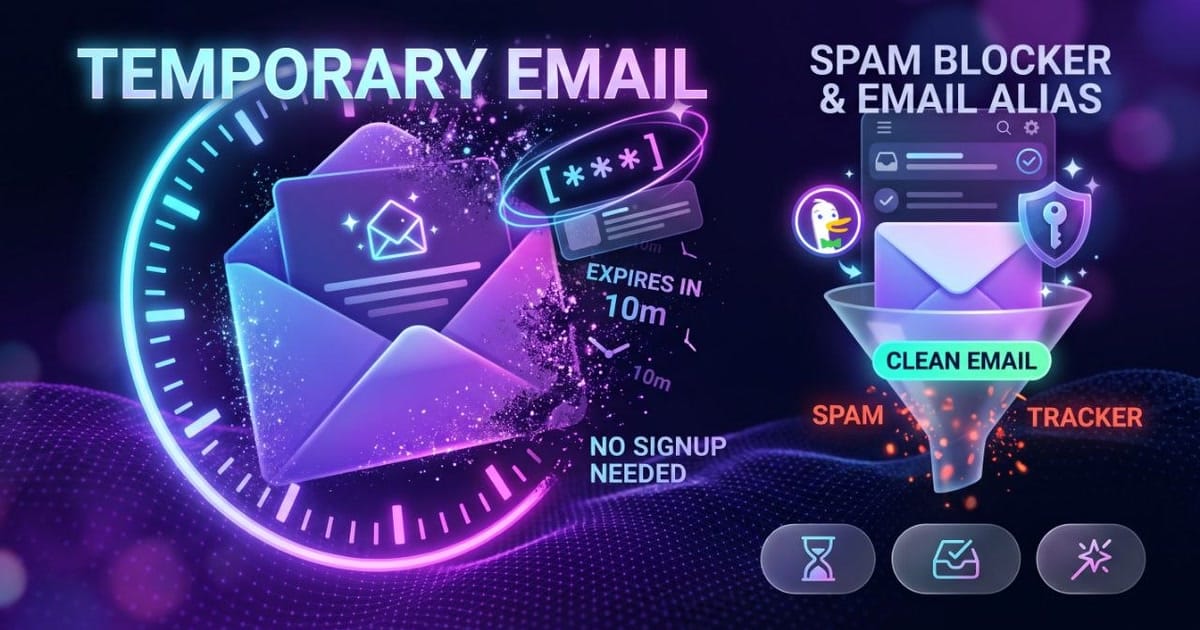
- For a 30-second verification code: Use Temp-Mail.org or 10 Minute Mail (zero signup, auto-refreshes, self-destructs).
- For ongoing newsletters & trials: Use DuckDuckGo Email Protection (free
@duck.comaliases that strip trackers and forward clean mail to your personal inbox). - For custom domains & replying: Use SimpleLogin (by Proton).
[/tldr] [howto_callout type="tip"] Bookmark this cheat sheet (🔖): Save this page to your browser bookmarks. you'll want these disposable inbox links handy whenever a random website demands an email address before letting you read an article or download a file. [/howto_callout]
The 2 Types of Disposable Email (Don't Confuse Them)
Most people make the mistake of using short-lived burner emails for accounts they actually need next month. There are two fundamentally different tools:
| Feature | Burner / Throwaway Inbox | Forwarding Email Alias |
|---|---|---|
| Examples | Temp-Mail.org, 10 Minute Mail, Guerrilla Mail | DuckDuckGo Email (@duck.com), SimpleLogin |
| Lifespan | 10 minutes to a few hours (self-destructs) | Permanent (until you toggle it off) |
| Privacy | Public (anyone guessing the address can view mail) | Private (forwarded directly to your personal email) |
| Best For | 1-time confirmation links, gated eBook downloads | SaaS free trials, community forums, shopping discounts |
Top 6 Temporary Email Services Compared
| Service | Type | Inbox Lifespan | Key Advantage |
|---|---|---|---|
| Temp-Mail.org | Burner | Until session closed | Fastest instant inbox, clean UI, official mobile apps |
| 10 Minute Mail | Burner | 10 mins (extendable) | Strict countdown timer, 1-click 10-minute extensions |
| Guerrilla Mail | Burner | 60 minutes | Holds attachments up to 150MB, custom prefix support |
| Maildrop.cc | Burner | 24 hours of inactivity | Heluna-powered spam filtering, clean custom usernames |
| DuckDuckGo Email | Forwarding Alias | Permanent / Revocable | 100% free, unlimited aliases, strips email tracking pixels |
| SimpleLogin | Forwarding Alias | Permanent / Revocable | Allows sending replies from aliases, PGP encryption |
Detailed Breakdown of the Best Providers
1. Temp-Mail.org — Best for Instant 1-Click Verification
With over 40 million monthly visits, Temp-Mail is the world's most popular disposable inbox. The moment you land on the page, an active temporary address is generated automatically. It auto-refreshes every few seconds to display incoming verification codes.
- Pros: Zero registration, fastest code delivery, free Android and iOS apps.
- Cons: Inboxes are public; some aggressive websites detect and block its primary domains.
2. 10 Minute Mail — Best for Strict Time-Limited Burners
If you specifically want an address that self-destructs without leaving any trace, 10 Minute Mail gives you an active countdown clock. When 10 minutes expire, the inbox and all contents are permanently erased.
- Pros: Predictable expiration, simple 1-click button to extend by 10 minutes if an email is delayed.
- Cons: No custom usernames; once closed, past verification codes are unrecoverable.
3. DuckDuckGo Email Protection, Best 100% Free Lifetime Shield
Unlike burner inboxes, DuckDuckGo provides personal @duck.com forwarding aliases for free. You generate random aliases inside your browser with one click. Any email sent to that alias has its hidden tracking pixels stripped out before being forwarded directly to your personal Gmail or Outlook inbox.
- Pros: You keep your real email 100% private; if a service spams you, simply deactivate that specific alias in one click.
- Cons: Requires installing the DuckDuckGo browser extension or mobile app for initial setup.
How to Use a Disposable Email Safely
[howto_step number="1" title="Generate Your Temporary Address"] Open Temp-Mail.org or your DuckDuckGo alias generator. Click the copy icon next to the generated address. [/howto_step] [howto_step number="2" title="Paste into the Website Signup"] Paste the temporary address into the website asking for your email. Complete the registration or download form. [/howto_step] [howto_step number="3" title="Copy Code and Close"] Switch back to your temp mail tab. The verification email usually arrives within 5 to 15 seconds. Copy your verification link or OTP code, then close the tab. [/howto_step] [howto_callout type="warning"] Critical Warning, Where NEVER to Use Temp Mail:
Never use temporary throwaway inboxes for:
- Banking, PayPal, or Crypto exchanges: you'll be locked out permanently during two-factor authentication.
- Apple ID, Google, or Steam accounts: Password reset emails can't be received after the inbox expires.
- Important purchases: you'll lose access to order receipts, warranty confirmations, and license keys.
[/howto_callout]
Frequently Asked Questions
[howto_faq question="Are temporary email services legal?"] Yes, completely. Using disposable emails to protect your personal inbox from spam, marketing trackers, and data breaches is 100% legal worldwide. [/howto_faq] [howto_faq question="Can websites detect and reject disposable emails?"] Yes. Some websites use automated disposable email detection APIs. If a site refuses your temp address, try DuckDuckGo Email Protection or SimpleLogin, which use standard email routing that's rarely blocked. [/howto_faq] [howto_faq question="Can other people see my temporary emails?"] On public burner services (like Maildrop or Guerrilla Mail), anyone who types the exact same username can view that inbox. Never receive sensitive passwords or personal documents on disposable inboxes. [/howto_faq]
Related guides
Short, tested walkthroughs on the same topics: